In Which Lessons Are Smart Boards Used
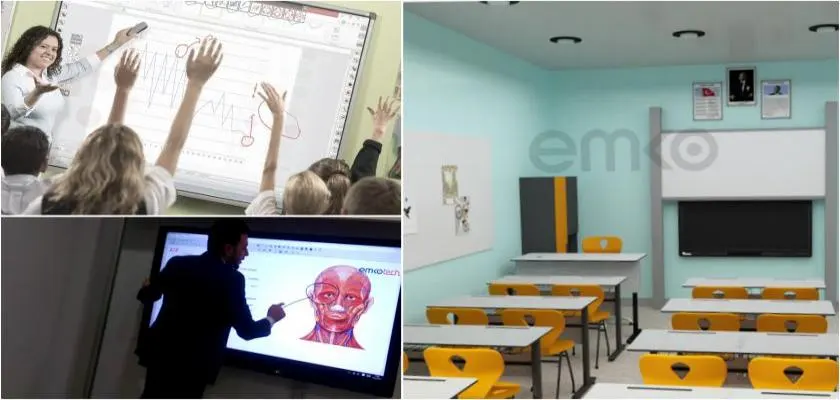
Anyone who knows how to use a computer can easily use smart board systems. The reason for this is that smart boards have a simple mechanism and system that allows computer programs to be used on the board. Instead of a computer mouse, you have the smart board pen, and with this pen, you can open and close Windows windows. At the same time, you can right-click and left-click, and thus run all desired programs. Smart boards are now frequently preferred and used in educational systems. They have a feature that can be used in all lessons. At the same time, software specially prepared by smart board manufacturers makes lessons easier and more active. For example, in mathematics and music lessons, they provide convenience as they appear on the board like students' notebooks, and the same mechanism is used in handwriting lessons.
Things to Know About Smart Boards
Many different software used on smart boards can be easily used on classroom boards, even if the boards themselves are not smart. As is known, smart board products simply add interactivity features to the computer screen image on the board. Accordingly, even if the boards in the classrooms are not smart, all the same and desired program usages are provided in the most effective ways. However, it should be known that when using non-smart boards, you need to make the necessary controls on the computer, not on the board, and they can be used in all lessons.